OpenAI 教程
1、改密码 [用几天再改也没事]
改密码
1、关闭vpn!!
2、打开:https://outlook.live.com/owa
3、登录发给你的账号密码
4、提示邮箱锁定
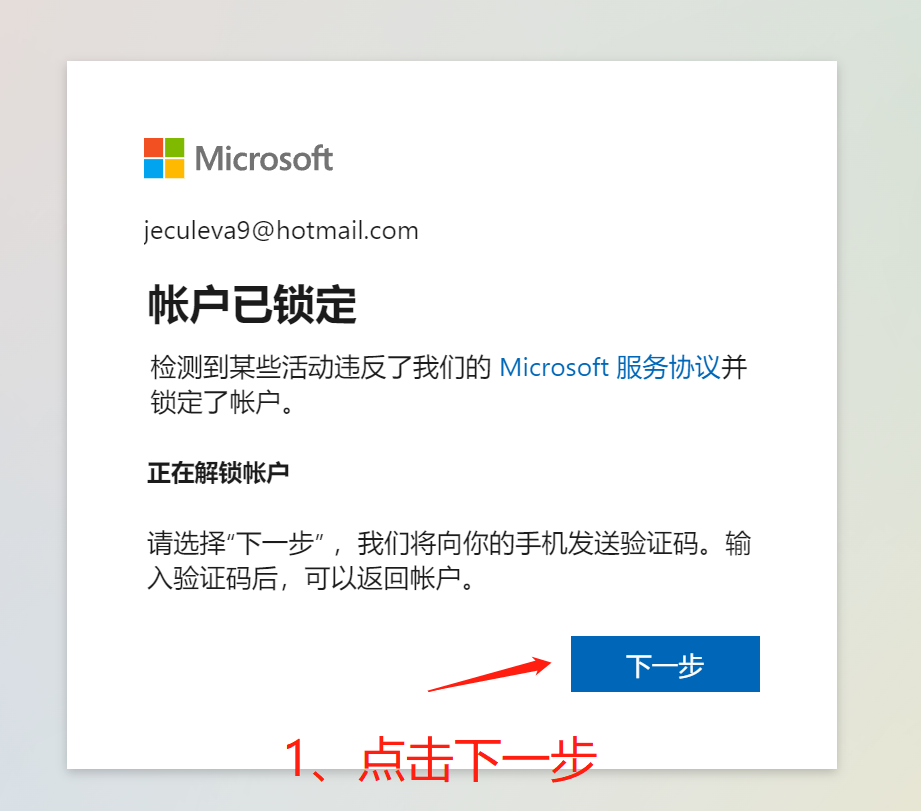
5、点击下一步,输入自己手机
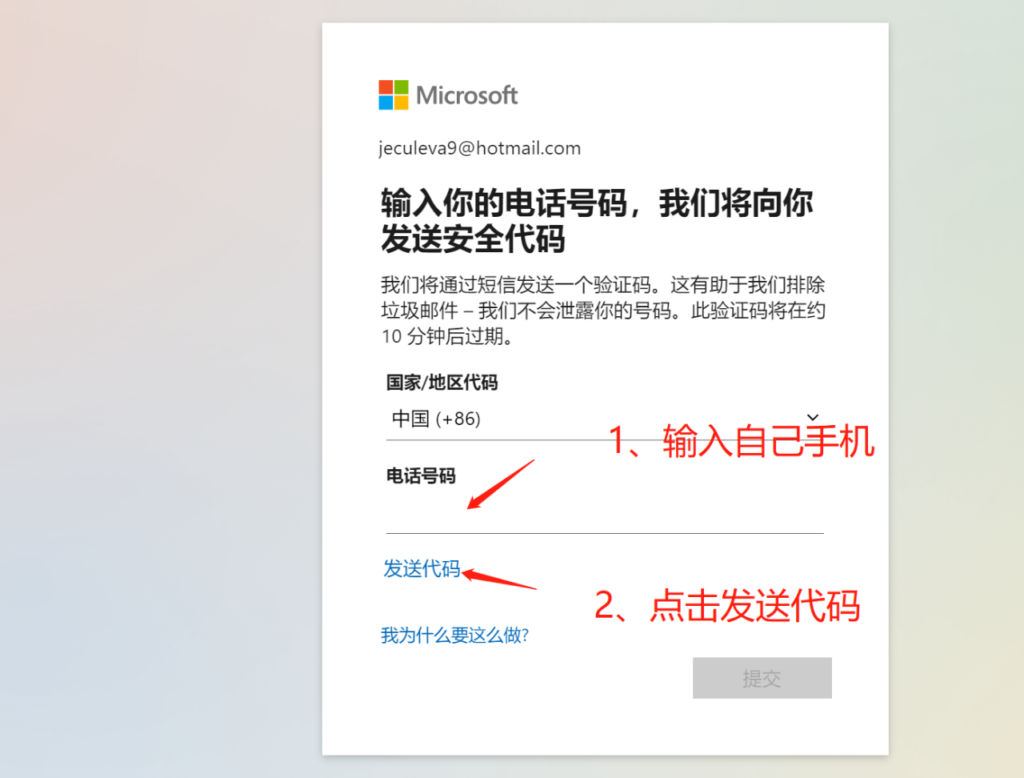
6、输入验证码
7、如果你的手机号提示不支持,那就是没关梯孑,12h后再试
2、Chatgpt登录
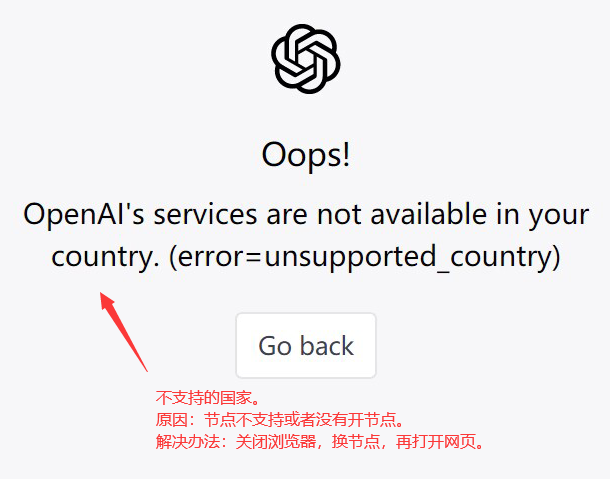
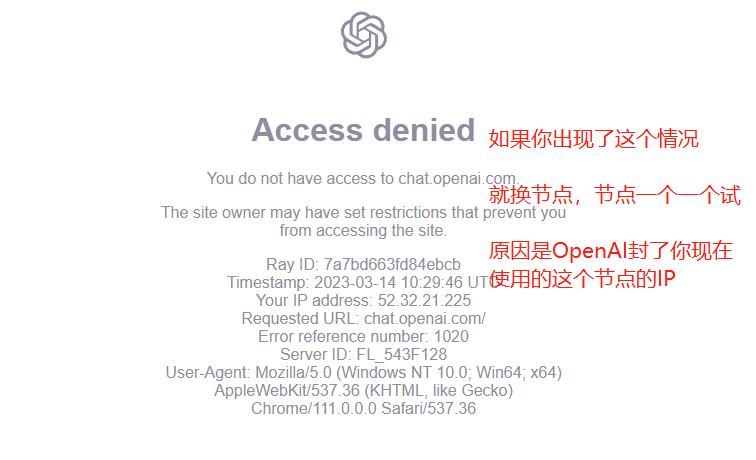
如果报错,请更换节点
苹果系统要下载新浏览器
登录
1、登录地址:https://chat.openai.com/auth/login
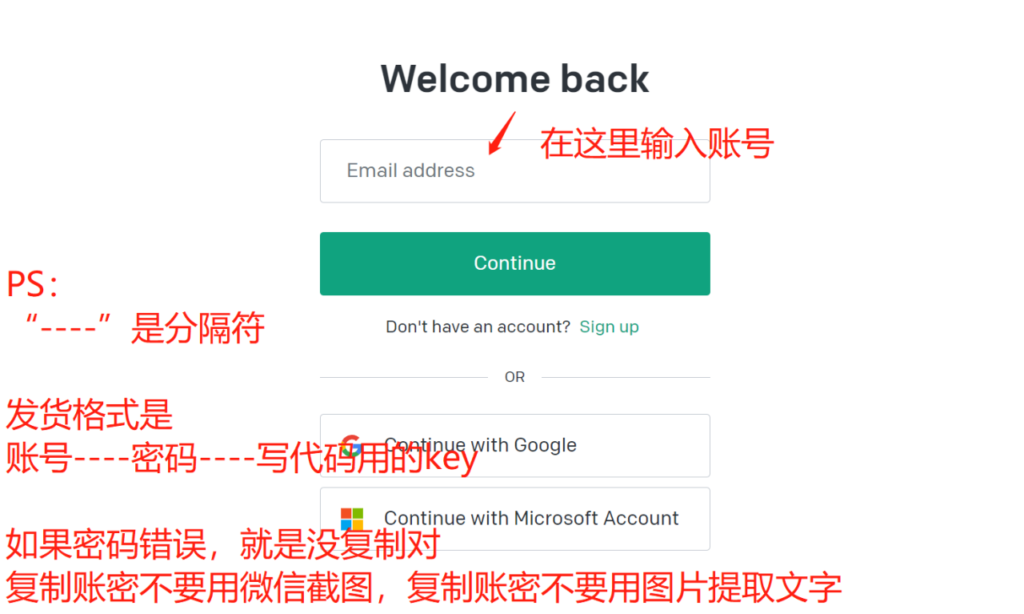
2、登录成功后页面下方有输入框
拒绝访问,错误1020解决办法
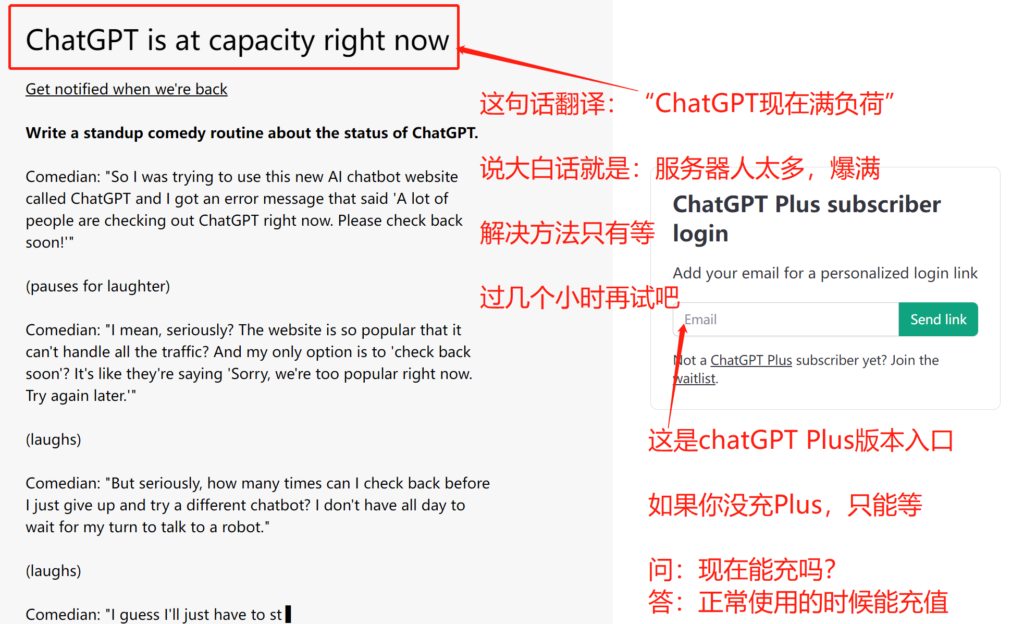
满负荷说明
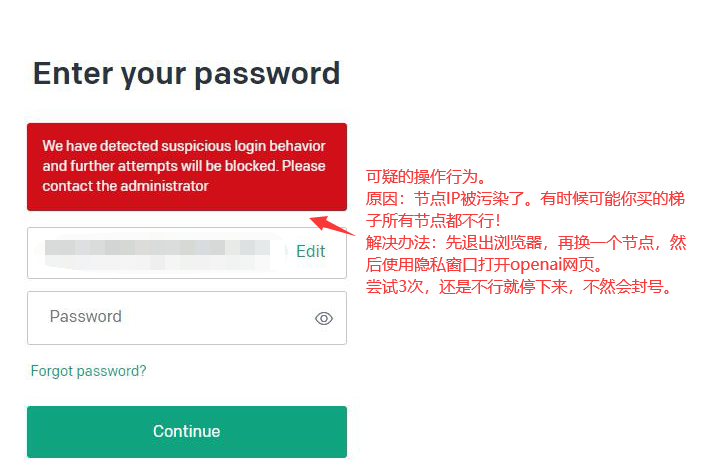
suspicious login behavior
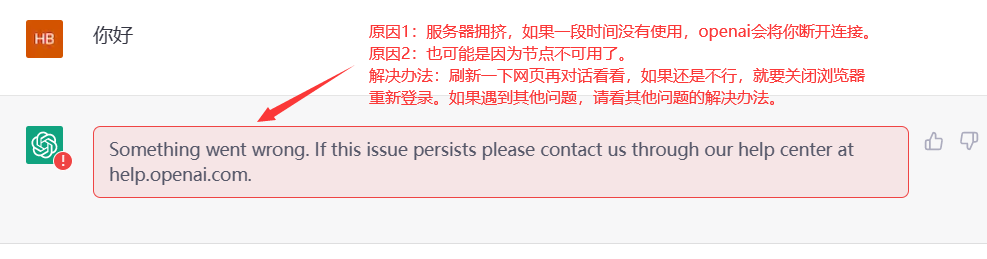
Something went wrong. If this issue persists please contact us through our help center at help.openai.com.
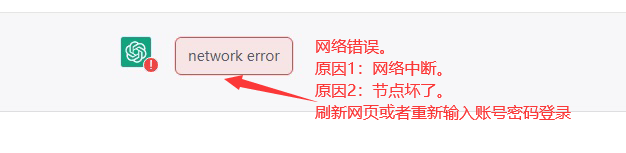
network error
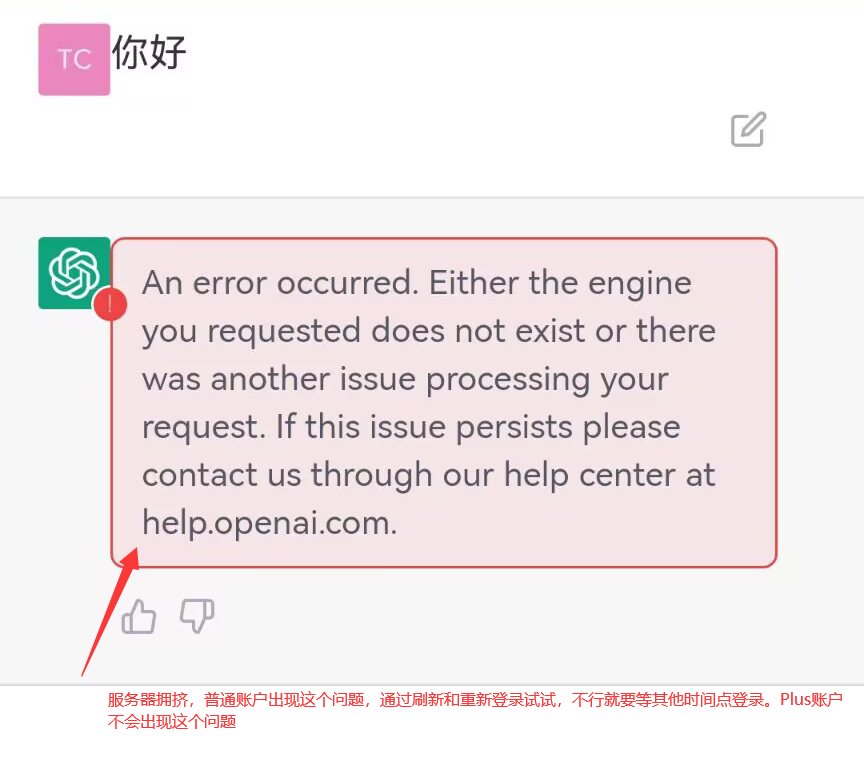
An error occurred. Either the engine you requested does not exist or there was another issue processing your request. If this issue persists please contact us through our help center at help.openai.com.
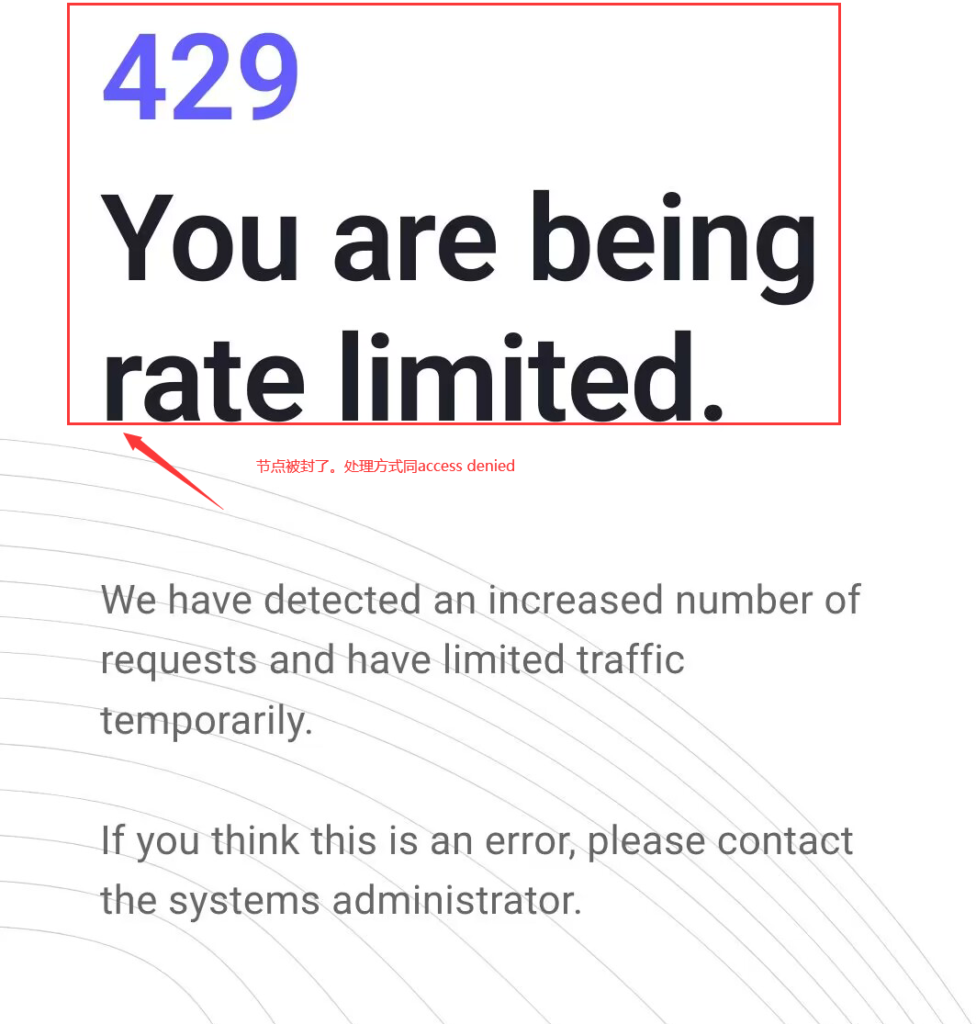
429 You are being rate limited.
unsupported country